
Make it yours
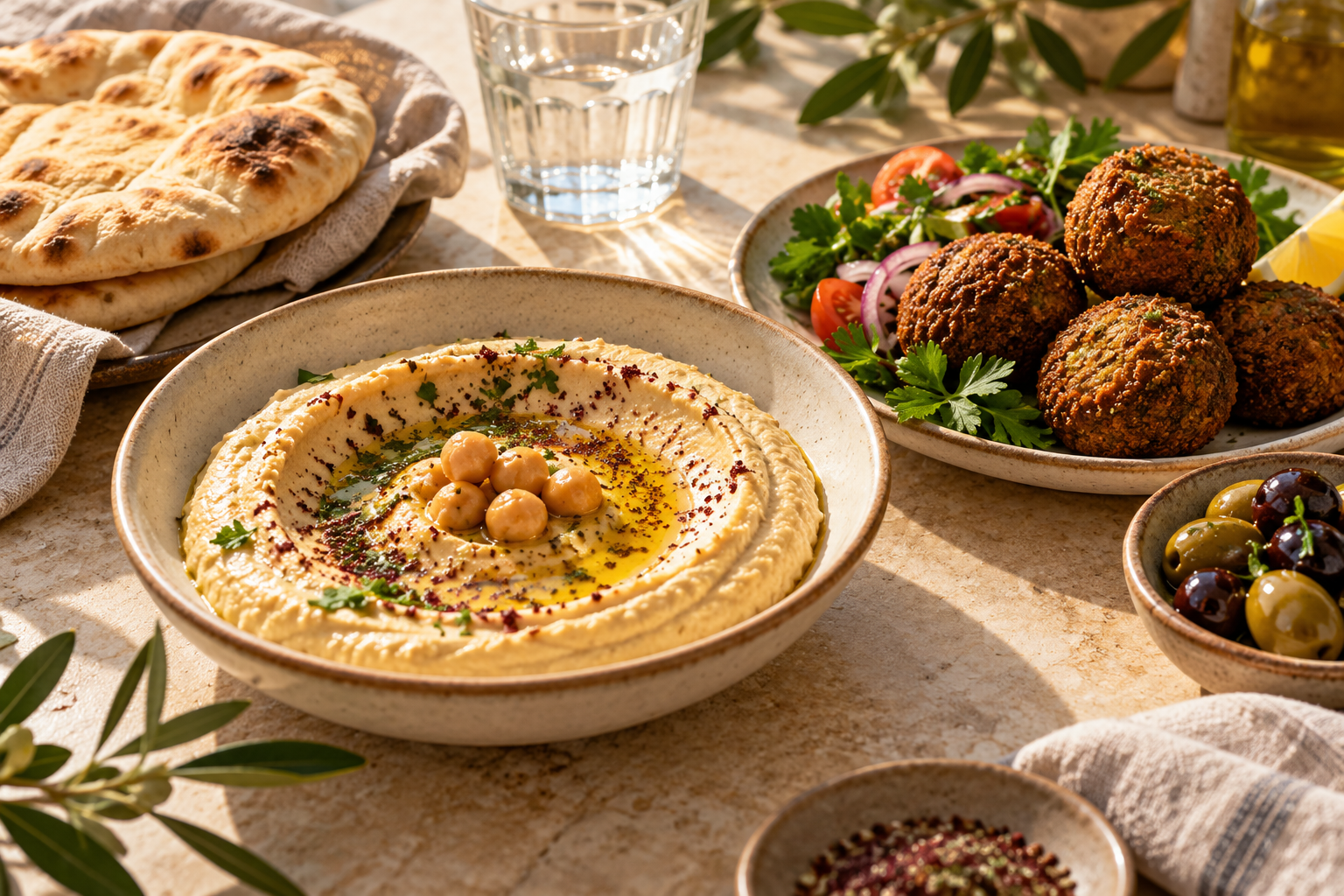
Choose a style. Add your logo, cover image, and dish photos. Keep your restaurant's personality in every detail.
Your menu. One scan away.
Give every table a menu worth scanning. Guests open your branded digital menu with a QR code, while your team keeps dishes, photos, and prices up to date.
 QR menus for every tableع / ENWelcome guests in two languages↗Take the conversation to WhatsApp
From the first scan to the last bite
Meet your guests where they already are: on their phones. Make browsing easy, keep your menu current, and give every dish its moment.
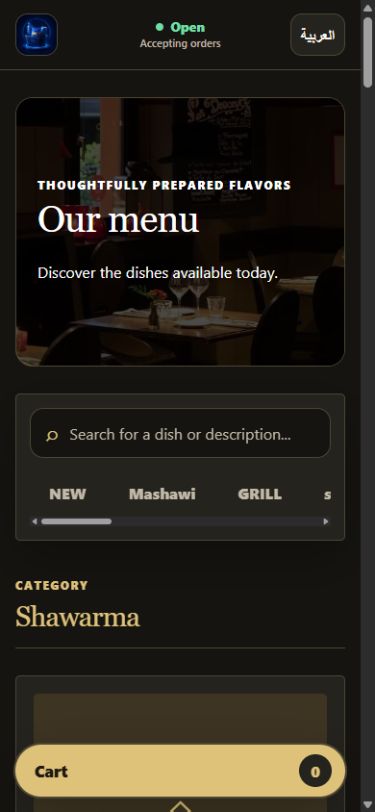
Guests scan your QR code or open your link. Categories, search, pictures, and clear prices help them find their next favourite.
Update a price, add a new dish, or mark an item unavailable from your restaurant dashboard. No need to reprint the menu.
Made for the way restaurants work
The tools to make your menu feel like your restaurant, and keep it running on your terms.
Choose a style. Add your logo, cover image, and dish photos. Keep your restaurant's personality in every detail.
Switch the menu interface between Arabic and English, with layouts that read naturally in both directions.
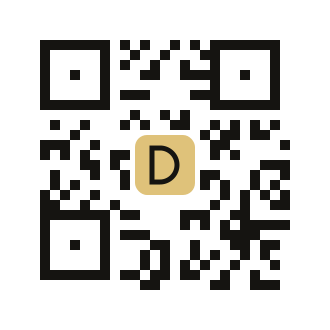
Put your menu on every table with a QR code. Guests scan to browse on their phones. Download and print your code for tables, takeaway bags, and more.
Guests build a cart and open a prepared order message in WhatsApp, ready to send to your restaurant.
Set your ordering schedule or pause ordering. Guests can still browse your menu when you're closed for orders.
Organise categories, update items and prices, manage availability, and keep your restaurant details current.
From your kitchen to their screen
Set up your restaurant's branding, contact details, and ordering hours.
Add categories, dishes, descriptions, photos, and prices to your menu.
Print your QR code or share your menu link. Keep everything current from your dashboard.
Your next chapter starts here
Explore DishDigit with your restaurant's own menu. Tell us a little about your business to request a one-month free trial.
A few things you might be wondering
No. Guests open your restaurant's menu in their browser using your menu link or QR code.
Yes. Your restaurant dashboard lets your team manage categories, dishes, prices, and availability. Owners and restaurant admins can also manage branding and ordering hours.
Guests add available dishes to a cart, then open a prepared message in WhatsApp. They still need to send the message. Your restaurant confirms the order directly; DishDigit does not process payments or track orders.
The interface supports Arabic and English. Your restaurant supplies its own dish names and descriptions; they aren't automatically translated.
Complete the form to prepare your one-month trial request, then send it from your email app. Our team will reply to help you set up your restaurant's menu.